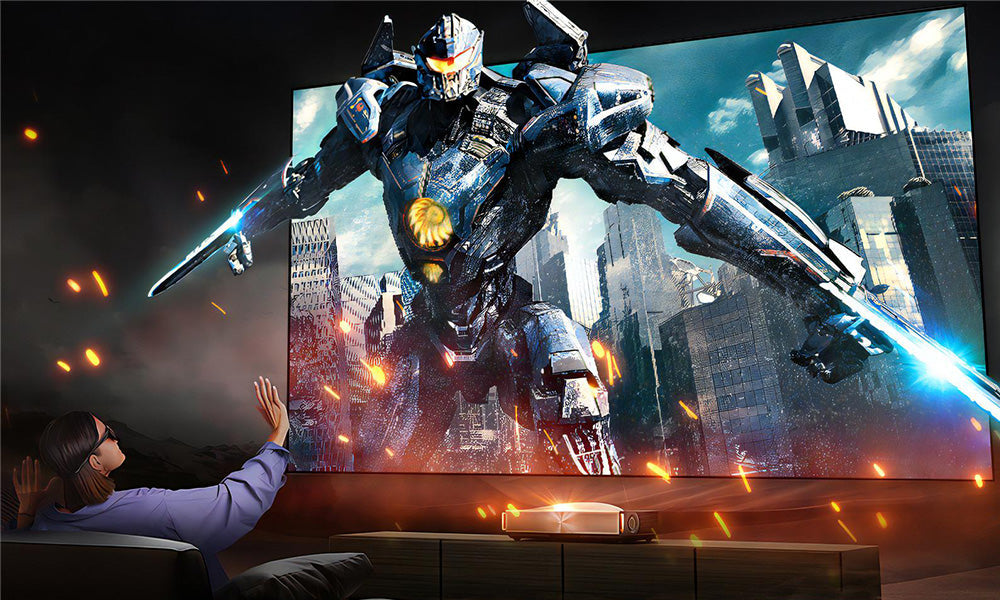




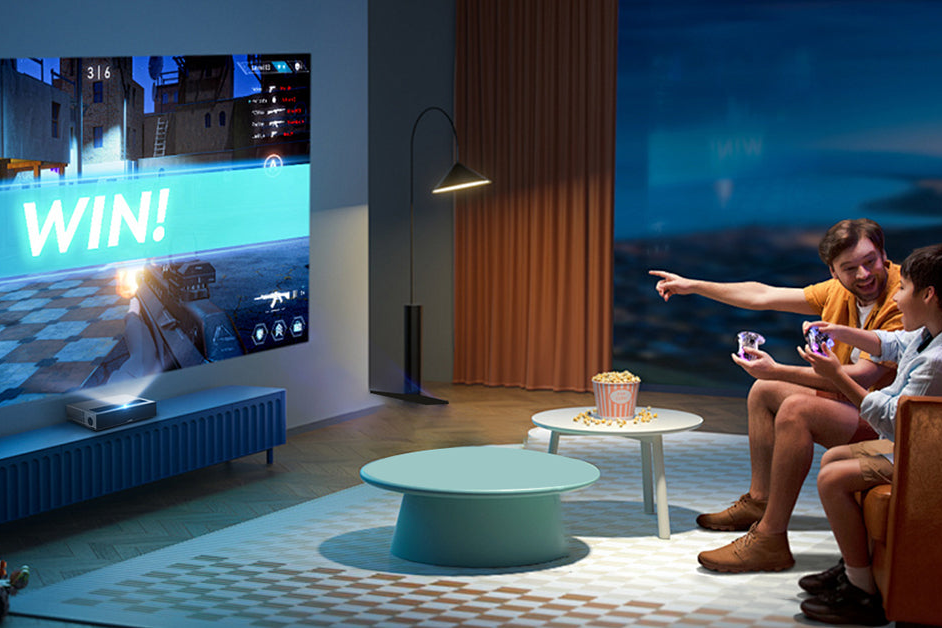
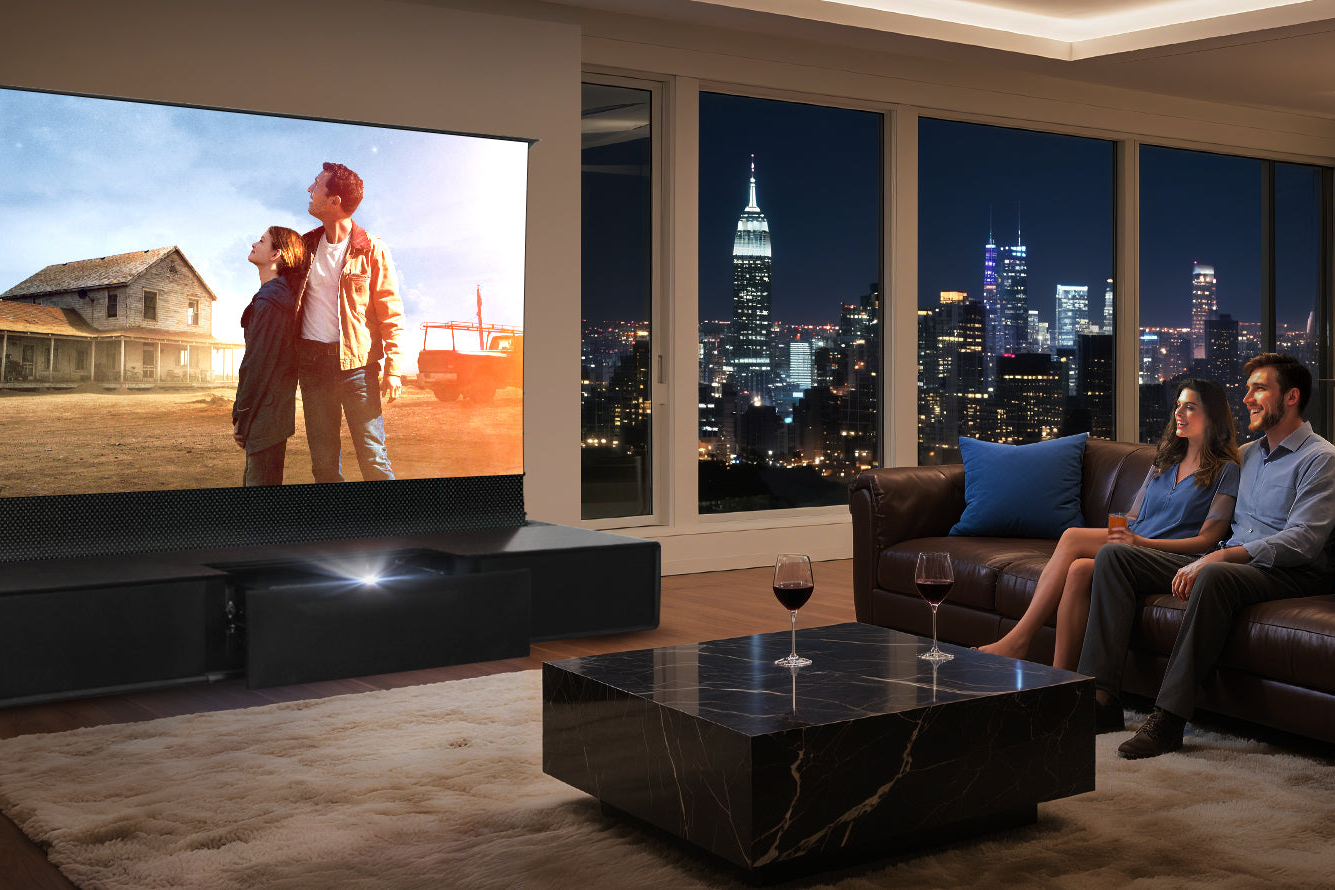
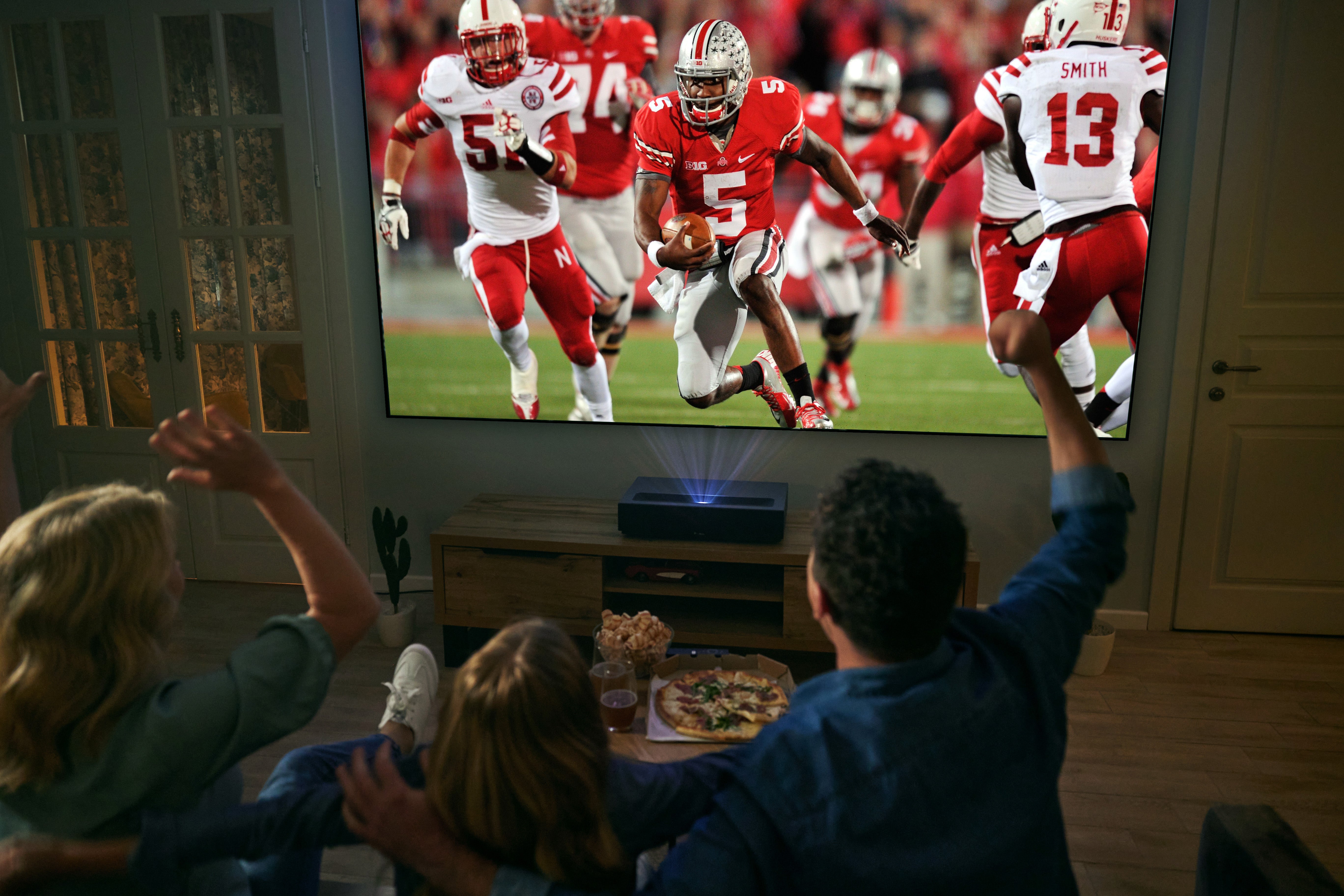

Have you just purchased a Long Throw or Standard Throw Projector and are wondering about the final piece of the puzzle? The question of whether you need a dedicated screen is common. This guide will walk you through the essentials, from the basics of using a wall to choosing the perfect screen.
1. The Wall vs. Screen Debate: Can I Just Use My Wall?
Yes, you can absolutely start by projecting onto a smooth, plain white wall. It's a zero-cost way to begin your projection journey, and for casual viewing in a perfectly dark room, it might suffice.
However, walls are rarely ideal. Their surface often has a subtle texture or a non-neutral color (like eggshell or beige) that can distort colors, reduce brightness uniformity, and create "hot spots." This results in an image that looks washed out and lacks the contrast and vibrancy your projector is capable of producing.

2. Why a Dedicated Screen? Can I Use a Regular Fabric Instead?
A dedicated projection screen is engineered to optimize image quality. Its core advantages are:
- Superior Reflectivity: Designed with specific materials and coatings (referred to as Screen Gain) to reflect more light back to the viewer, creating a brighter image.
- Color Accuracy: Provides a neutral, consistent base that ensures colors from your projector are displayed true-to-life.
- Enhanced Contrast: Special surfaces, like grey materials or Ambient Light Rejecting (ALR) screens, improve contrast by absorbing or rejecting ambient light.
Can you use a regular white cloth? While a smooth, white blackout cloth is a better makeshift solution than a textured wall, it still lacks the optical coatings of a professional screen. It will absorb more light and offer no enhancement to contrast or color, leading to a dimmer, flatter image. For the best experience, a purpose-built screen is highly recommended.
3. Screen Types & How to Choose
Understanding screen types is key to matching your room's conditions.
- Fixed-Frame Screen: The panel is permanently stretched on a rigid frame. It offers the flattest, most professional surface for the absolute best image quality. Ideal for dedicated home theaters.
- Motorized / Pull-Down Screen: The screen retracts into a casing. Perfect for multi-purpose living rooms where you want the screen hidden when not in use.
-
Ambient Light Rejecting (ALR) Screen: This is a game-changer for rooms with uncontrolled light (windows, lamps). ALR screens are engineered to reflect light coming from the projector's specific angle (typically from the front and below) while absorbing or deflecting light from other angles (like ambient room light). This makes the image appear vibrant even during daytime.

 How to Choose:
- For a dedicated, light-controlled room: A Fixed-Frame matte white screen is the premium choice.
- For a living room/media room with ambient light: An ALR screen (in fixed-frame or tensioned pull-down format) is highly recommended.For maximum flexibility and space-saving: A quality Motorized Pull-Down Screen is the best fit.
4. What Are Projection Screens Made Of?
Screen materials define their performance. Common types include:
- Matte White: A classic, versatile fabric with a wide viewing angle. It provides accurate colors but offers no protection against ambient light.
- High-Gain: Often has a textured or glossy surface (like glass-beaded) to reflect more light straight back, boosting brightness. This can narrow the optimal viewing angle.
- Grey Screen: Uses a grey material to enhance black levels and contrast, ideal for projectors with good native contrast in dark rooms.
- ALR Material: Features complex micro-optical structures or dark, directional surfaces. This specialized material is the heart of an Ambient Light Rejecting screen's performance.
5. What Size Screen Should I Choose?
Screen size is a balance between viewing distance, room size, and your projector's capabilities.
A standard guideline is that your viewing distance should be between 1.5 to 2.5 times the screen's diagonal width. For example, for a 100-inch screen (about 7.5 feet wide), sit between 11 and 18 feet away.
Crucially, you must check your projector's manual. It will specify the required throw distance—the exact range of how far the projector must be from the screen to project a specific image size. Always match your desired screen size with your projector's throw capabilities.
Recommended Product: Elevate Your Viewing Experience
To truly unlock the potential of your long-throw projector, especially in spaces with ambient light, pairing it with a screen designed for performance is essential.
We recommend the 100"-130" NothingProjector Lenticular 4K ALR Projector Screen for Long/Standard Throw Projectors

Optimized for Long Throw: This screen is engineered to work seamlessly with standard and long-throw projector placement, ensuring even light distribution.
- Ambient Light Rejecting (ALR) Technology: Its core advantage. The advanced ALR surface combats room light, allowing you to enjoy clear, high-contrast images without needing complete darkness. Watch movies or game during the day with stunning clarity.
- Perfect Sized Range: The 100-120 inch size is the sweet spot for most home theaters and living rooms, offering an immersive cinematic experience.
- High Screen Gain & Contrast: The material is designed not just to reject ambient light but to actively enhance the projector's output, delivering brighter whites, deeper blacks, and vibrant colors.
Ready to transform your projection setup from good to spectacular? Discover the difference a professional ALR screen can make.