



Introduction: The Frustration of the "Almost Perfect" Picture
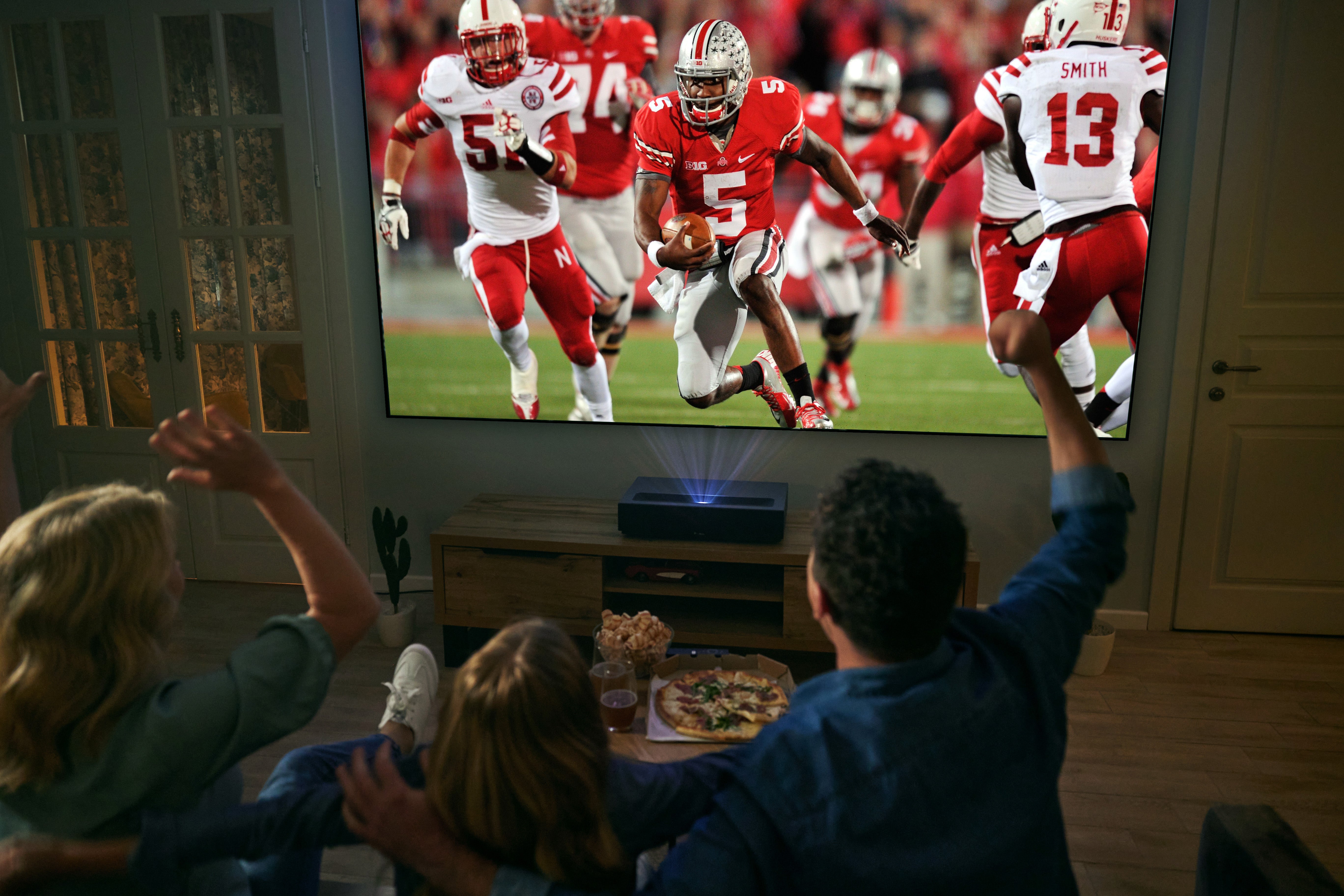
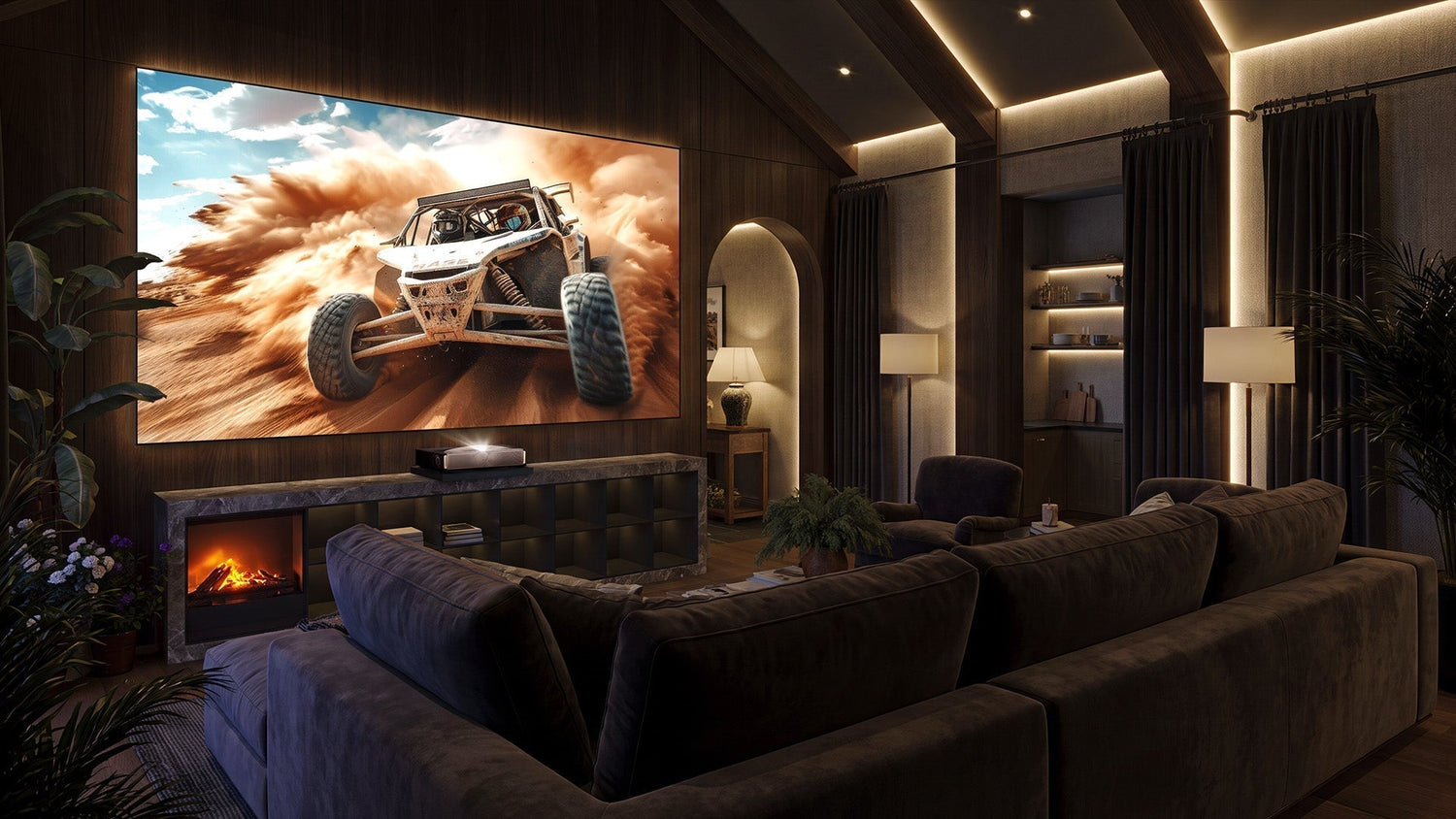
You've done your research. You've invested in a premium ultra-short throw laser projector—maybe a Formovie, an AWOL Aetherion, an EPSON, or a Hisense. You've cleared the wall, measured twice, and carefully positioned your new investment. You power it on, expecting that cinematic 120inch experience you've been dreaming of.
And then… disappointment.
The image falls short—literally. You're stuck at 100 inches, maybe 110. The edges look soft. Colours seem washed out in certain areas. And no matter how much you tweak the settings, something feels off.

This isn't your projector's fault. This is physics.
The Physics Problem: Why "Close to the Wall" Isn't Close Enough
The Optical Reality of Ultra-short Throw
Ultra-short throw projectors are engineering marvels. They use complex mirror and lens systems to project massive images from just inches away from the wall or screen. But this convenience comes with a hard physical constraint: the relationship between throw distance and image size is fixed by the lens design.
Every UST projector has a specific throw ratio—the ratio of the distance from the lens to the screen, divided by the width of the projected image. For example, a 0.25:1 throw ratio means that for every 1 unit of image width, the projector needs to be 0.25 units away. To achieve a 120inch diagonal image (approximately 104 inches wide), you need the projector's lens to be at a very specific distance from the screen—typically around 10 to 14 inches, depending on the model.
Here's the catch: most standard TV cabinets and media consoles place the projector too close to the wall. A typical cabinet depth might be 16–18 inches, but the projector itself takes up 10–12 inches of that depth, leaving the lens only 6–8 inches from the wall. At that distance, physics says you're getting 80–100 inches maximum, regardless of how powerful your projector's chip is.

You cannot cheat physics. If the lens is physically too close to the screen, the light simply cannot expand to fill a 120inch diagonal. The image will be smaller, no matter what the specifications promise.
The Digital Correction Trap: Why Keystone Correction Destroys Your Image
When users realise their projector can't fill the screen at its current distance, the natural instinct is to reach for the remote and start adjusting. And that's where the real damage begins.
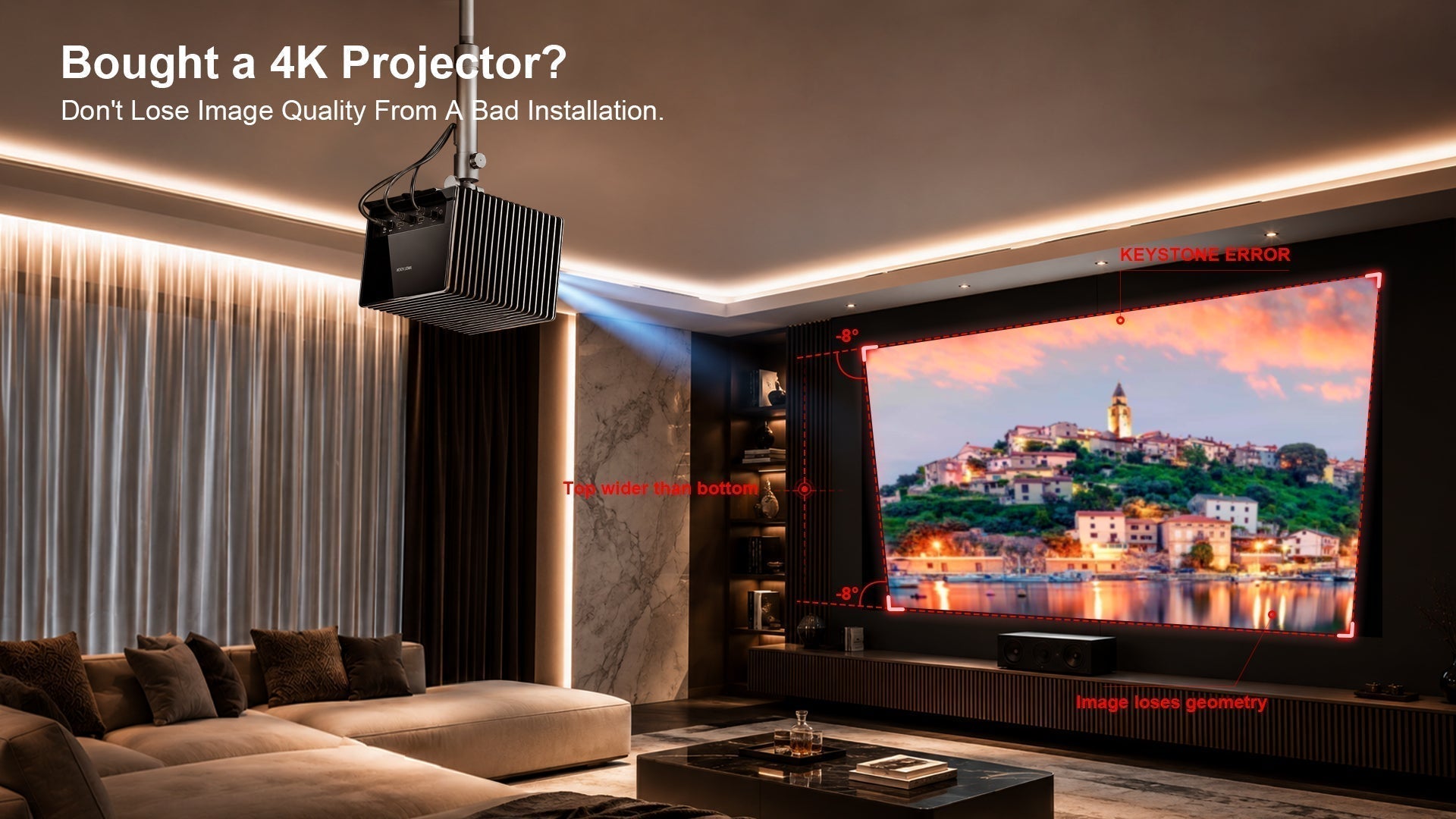
Many projectors offer digital keystone correction—a feature that digitally warps the image to appear rectangular even when the projector isn't perfectly aligned. But here's what most people don't understand: keystone correction is an image destroyer.
Here's how the damage happens:
- Pixel Loss Through Compression – When you apply keystone correction, the projector's processor takes the native 4K (or 1080p) image and mathematically squeezes it to fit a trapezoidal shape, then stretches it back to a rectangle. This process discards actual pixels—you're no longer seeing the full resolution your projector is capable of producing. That 8.3–million–pixel 4K image? You might be seeing only 6 million or fewer after correction.
- Brightness Penalties – Keystone correction doesn't just lose pixels—it loses light. By compressing the image and then expanding it, the projector effectively "stretches" the available light across a larger area than it was designed for. The result? A dimmer image with reduced contrast. Some lens systems experience up to 35% brightness loss under certain conditions.
- Artifacts and Softness – Digital correction introduces interpolation artifacts—areas where the processor had to "guess" what pixels should look like. Edges become soft. Fine text becomes unreadable. The razor–sharp clarity you paid for vanishes.
The Critical Distinction: Manual Focus vs. Digital Correction
It's important to understand what doesn't cause image degradation. Manual optical focus is not the enemy. When you manually adjust the focus ring on your UST projector, you're physically moving lens elements to bring the image into sharp focus. This is a purely optical process—no pixels are sacrificed, no resolution is lost. Manual focus is simply about aligning the optics correctly.
The problem occurs when users rely on digital correction (keystone, 4–corner adjustment, or digital zoom) to compensate for poor physical placement. These features should be used as absolute last resorts, not as primary setup tools.
The Core Conclusion
A UST projector should be physically positioned to achieve the desired image size without any digital correction. Every inch of keystone correction, every degree of digital adjustment, is a compromise that reduces image quality. The only way to unlock your projector's full potential—its native resolution, its peak brightness, its contrast ratio—is to get the physical placement exactly right.
Avoiding the Marketing Traps: A UST Projector Buying Guide
Now that you understand the physics, let's talk about choosing the right projector—and avoiding the marketing traps that lead to disappointment.
Trap #1: The "Fake" Ultra-short Throw
Not all projectors labelled "ultra-short throw" are created equal. True UST projectors have throw ratios of 0.25:1 or less—meaning they can project a 100inch image from about 10 inches away. Some manufacturers stretch the definition, offering "short throw" projectors with 0.5:1 or higher ratios and marketing them as "ultra-short."
What to look for: Always check the throw ratio specification. A genuine UST projector should have a throw ratio of 0.25:1 or lower. If you see 0.4:1 or higher, it's a short–throw projector, not an ultra-short–throw, and it will require significantly more distance from the wall.
Trap #2: Brightness Inflation
Brightness ratings are notoriously misleading. Manufacturers often quote "peak" brightness in ideal lab conditions, not real–world performance. A projector rated at 3,000 lumens might deliver only 2,000 in actual use—and even less after keystone correction.
What to look for: Look for ISO lumens rather than "LED lumens" or "ANSI lumens" without proper certification. Check independent reviews that measure real–world brightness. For a 120inch screen in a moderately lit room, you want at least 2,500–3,000 ISO lumens for a satisfying experience.
Trap #3: The "All–Smart" Sacrifice
Many modern UST projectors come packed with "smart" features—built–in streaming, voice assistants, automatic keystone correction, and autofocus. These features sound convenient, but they often come at a cost.
Autokeystone and autofocus rely on digital correction, which, as we've established, degrades image quality. Some projectors even apply these corrections by default, meaning you're losing resolution before you've even adjusted anything.
What to look for: Prioritise projectors that allow you to disable auto–correction features and manually position the projector for optimal optical performance. Built–in smart features are nice, but they should never come at the expense of image quality.
UST Projector Recommendations for North American Living Spaces
The right UST projector depends heavily on your space. Here are recommendations tailored to different North American home types, presented at a glance:
| Living Space | Recommended Model | Approx. Price | Key Advantages |
|---|---|---|---|
| Apartments / Bedrooms | Hisense PX3–PRO TriChroma | ~$2,500 | Compact form factor, 0.22:1 true UST throw ratio, 3,000 ANSI lumens, Google TV OS—ideal for smaller spaces where footprint matters |
| Apartments / Bedrooms | JMGO O2S Ultra | ~$2,999 | 0.16:1 ultra-short throw ratio, 3,600 ISO lumens, compact design—perfect for bedrooms where you want maximum image size from minimum distance |
| Single–Family / Media Rooms | AWOL Aetherion Max | ~$4,499 | 3,300 ISO lumens, 0.2:1 throw ratio, built–in Google TV—handles ambient light exceptionally well for dedicated cinema spaces |
| Single–Family / Media Rooms | EPSON Lifestudio Grand Plus (LS970) | ~$3,799 | 4,000 lumens white & colour brightness, 3 3LCD technology, AI–enhanced image processing—renowned colour accuracy and reliability from a trusted brand |
| Luxury / Executive Homes | Hisense L9Q | ~$5,799 | 5,000 lumens, TriChroma triple–laser technology, 80"–200" capability, Dolby Vision & Atmos—PCMag's current overall favourite premium UST projector |
| Luxury / Executive Homes | AWOL Aetherion Pro | ~$3,499 | 2,600 ISO lumens, same PixelLock 4K technology as the Max—premium performance at a more accessible price point |
The Hidden Hero: Why an Intelligent Sliding Tray Is the Ultimate "Image Quality Guardian"
Here's the uncomfortable truth that most UST projector owners discover too late: even the best projector is only as good as its placement. You can buy the most expensive Hisense, the brightest AWOL, the most colour–accurate EPSON—but if it's sitting 6 inches from the wall on a standard TV cabinet, you're throwing away performance.
The Throw Ratio and Offset Problem – Revisited
Let's get technical for a moment. Every UST projector has two critical specifications:
- Throw Ratio determines how large an image you get at a given distance. A 0.25:1 throw ratio means you need approximately 0.25 feet of distance for every foot of image width. For a 120inch image (104 inches wide), you need about 26 inches (0.25 × 10⁴) from lens to screen.
- Offset determines where the image lands vertically relative to the projector's position. Most UST projectors have a fixed offset—the image is projected upward at a specific angle. If the projector isn't at exactly the right height, the image won't align with your screen.
These aren't adjustable through software. They're fixed by the lens design. If your furniture doesn't position the projector at precisely the right distance and height, you have two choices: accept a suboptimal image, or use digital correction (and accept the quality loss).
The Intelligent Solution: NothingProjector's Sliding Tray
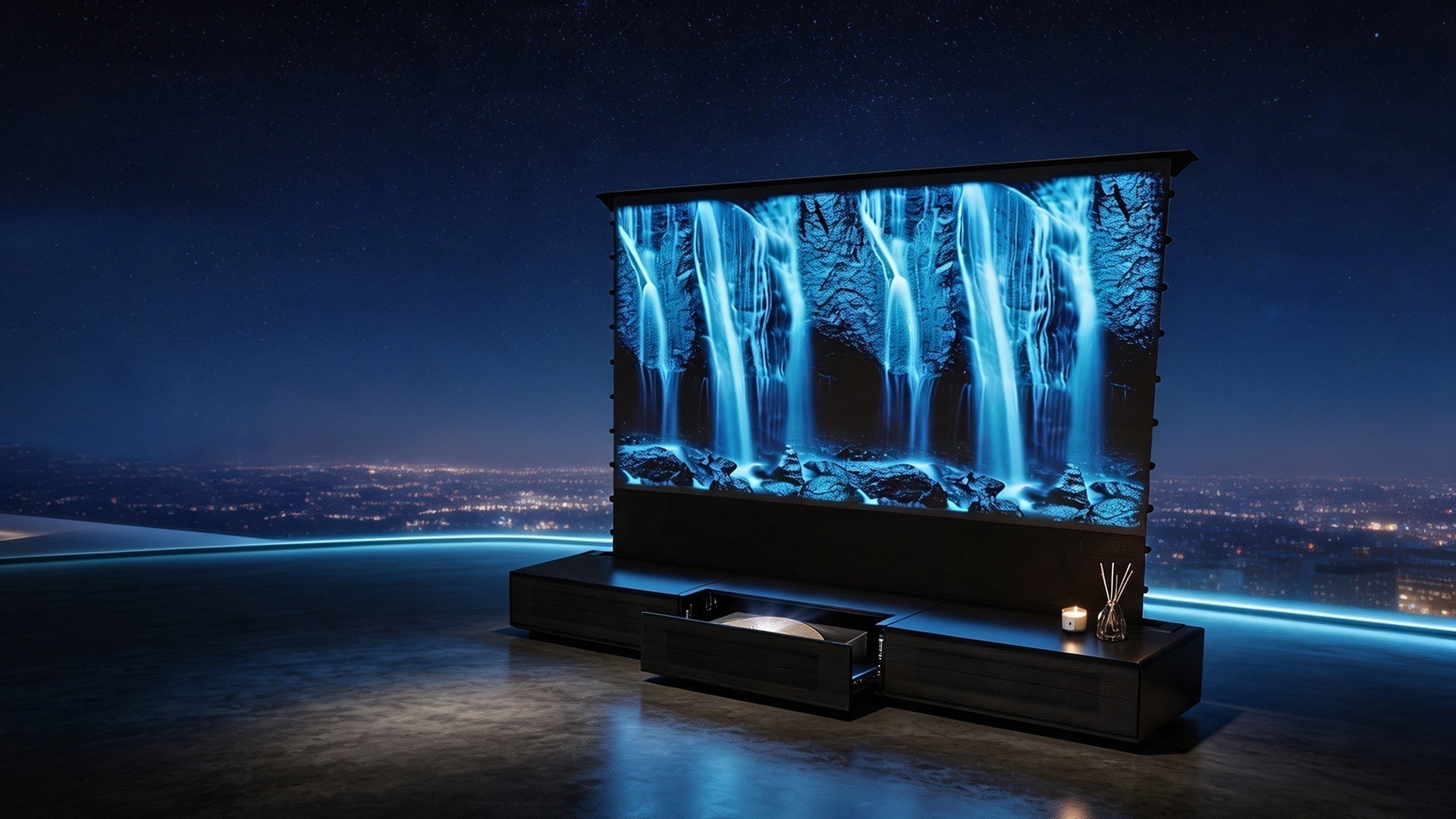
Enter the NothingProjector Intelligent Sliding Tray—a motorised platform that solves the placement problem once and for all.

What It Is:
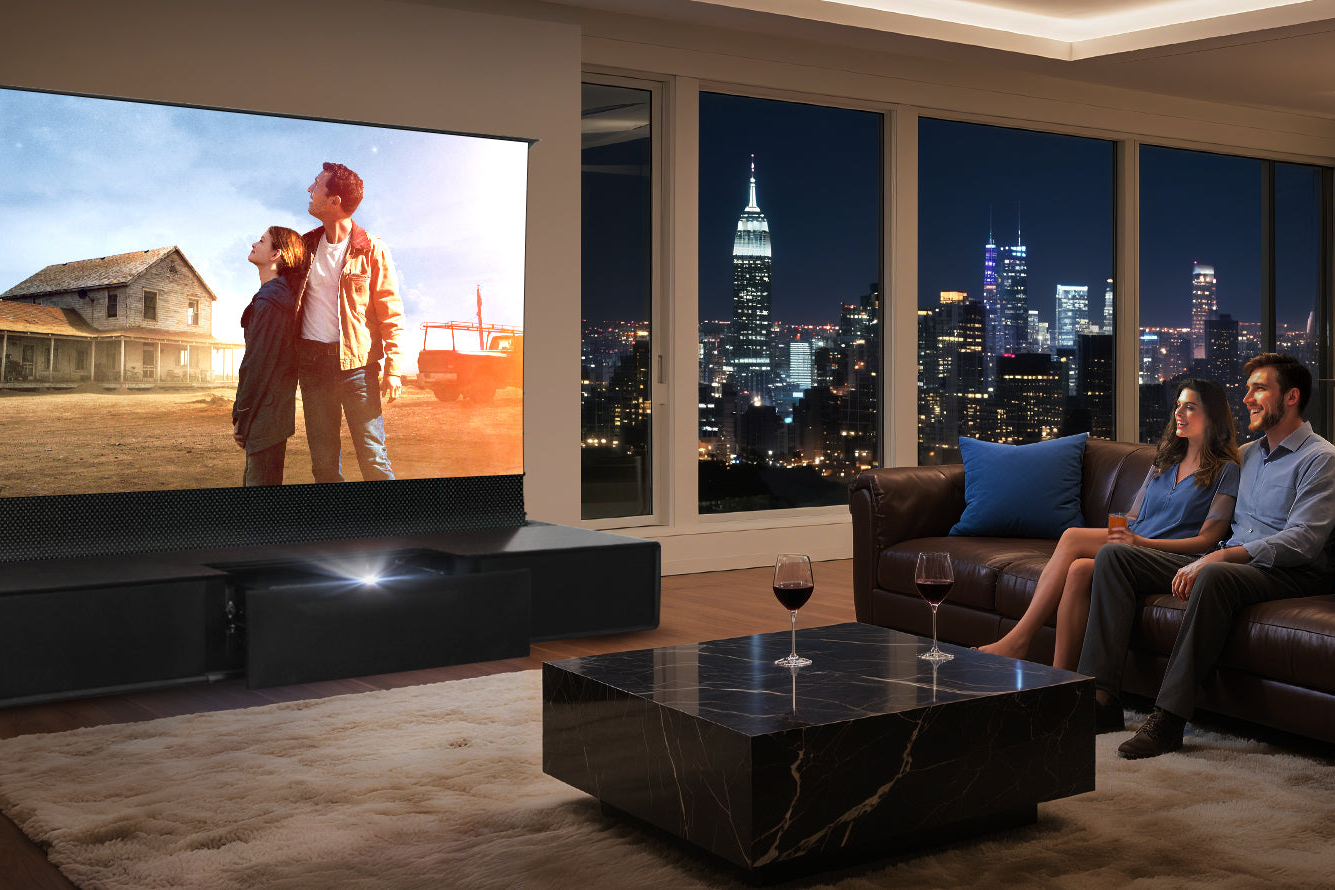
The NothingProjector Intelligent Sliding Tray is a motorised telescopic platform designed specifically for UST projectors. It mounts on your existing TV cabinet or media console and automatically extends your projector to the precise distance needed for your desired image size.
| Specification | Detail |
|---|---|
| Dimensions | 530 × 375 × 52 mm |
| Travel Distance | 210 mm (8.3 inches) |
| Load Capacity | 20 KG (44 lbs)—supports virtually any UST projector |
| Net Weight | 10 KG |
| Power Supply | DC 6V 1.5A |
| Control | Remote control + automatic sync with projector power |
How It Works:
- Set your desired distance once using the remote control. The tray memorises this position.
- Power on your projector—the tray automatically slides out to the pre–configured distance.
- Power off—the tray smoothly retracts back to its storage position.
- No more manual adjustments—every time you watch, your projector is in the exact same optimal position.

The Result: Your projector delivers its native resolution, full brightness, and maximum contrast—every single time. No keystone correction needed. No pixel loss. No brightness penalty.
NothingProjector vs. AWOL Vision: A Competitive Comparison
AWOL Vision offers a comparable motorised sliding shelf—the ICA150—priced around $499. Here's how NothingProjector's solution compares:
| Feature | NothingProjector Sliding Tray | AWOL Vision ICA150 |
|---|---|---|
| Price | ~$329 | ~$499 |
| Travel Distance | 210 mm | Similar range |
| Load Capacity | 20 KG | Comparable |
| Memory Function | ✓ Automatic memory | ✓ Yes |
| Auto Sync | ✓ Syncs with projector power (30dB ⚡ Ultra–Quiet) | ✓ Syncs via USB signal |
| Warranty | 1 Year Hassle–Free Warranty | Varies by retailer |
| Lifetime Tech Support | ✓ Free lifetime support | Not specified |
| Availability | Global shipping with local warehouses | Available through retailers |
Why NothingProjector Stands Out:
- Better value proposition—competitive pricing with superior warranty and support.
- Universal compatibility—works with Formovie, AWOL, EPSON, Hisense, and all major UST brands.
- Global fulfilment—local warehouses in North America, Europe, and Australia mean faster shipping and no unexpected tariffs.
- 45–day price match guarantee—if you find a lower price, they'll match it.
As one reviewer put it: "With the new Slider, you can perfectly position your projector to achieve your desired image size, without the need for expensive, specialist UST furniture."
Completing the Picture: Why You Need an ALR Screen
Even with perfect projector placement, you're only halfway to the ultimate home theatre experience. The other half is the screen.
The ALR Advantage
Ultra-short throw projectors are incredibly sensitive to ambient light. Unlike traditional projectors, UST models project light at a steep upward angle. This means they're particularly vulnerable to light coming from above and from the sides—exactly the light you find in most living rooms.
Ambient Light Rejecting (ALR) screens are engineered specifically to solve this problem. They use optical structures that reject light from off–axis angles while reflecting light from the projector's specific angle back to the viewer.

The NothingProjector Black Series delivers up to 95% ambient light rejection, filtering out ceiling and side lighting to let your UST projector truly shine.
Two Screen Options for Different Spaces
1. Fixed Frame Screens (Black Series)
For dedicated media rooms or home theatres where the screen will be permanently installed, fixed frame screens offer the flattest, most stable projection surface. The NothingProjector Black Series fixed frame screen is engineered specifically for UST and 4K/8K laser projectors, delivering unmatched clarity with its lenticular ALR surface.
Best for: Dedicated home theatres, media rooms, and spaces where the screen won't need to be moved.
2. Motorised Floor–Rising Screens
For living rooms, multi–purpose spaces, or apartments where you want the screen to disappear when not in use, motorised floor–rising screens are the perfect solution. The NothingProjector PET Crystal Floor–Rising ALR screen features:
- One–button operation—rises and retracts at the push of a button.
- Space–saving design—disappears into its base when not in use.
- PET crystal ALR surface—delivers excellent ambient light rejection.
- Perfect for modern homes—maintains a clean, clutter–free aesthetic.
Best for: Living rooms, apartments, and spaces where aesthetics and flexibility matter as much as image quality.
Conclusion: The Complete UST Ecosystem
Your ultra-short throw projector is a remarkable piece of technology. But like any precision instrument, it needs the right environment to perform at its best.
The three pillars of UST excellence:
- The Right Projector – Choose a true UST with genuine brightness ratings and avoid the marketing traps.
- Perfect Physical Placement – Use an intelligent sliding tray like NothingProjector's to achieve precise positioning without digital correction.
- The Right Screen – Pair your projector with a quality ALR screen (fixed or motorised) to maximise contrast and ambient light rejection.
Together, these three elements unlock the full potential of your UST investment—delivering the resolution, brightness, and contrast you paid for, in any room, at any time.
Your 120inch dream isn't just about the projector. It's about the ecosystem that surrounds it.