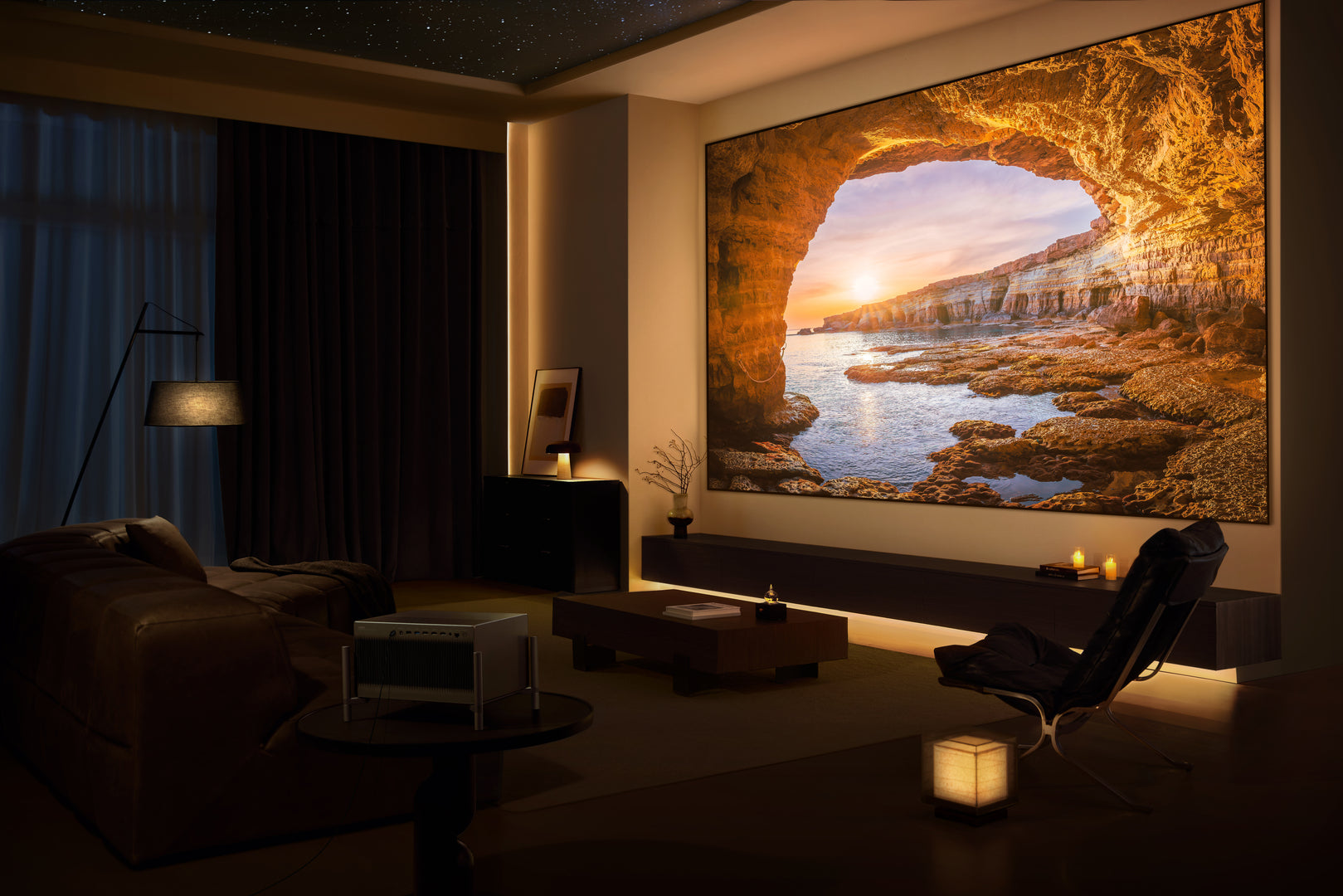




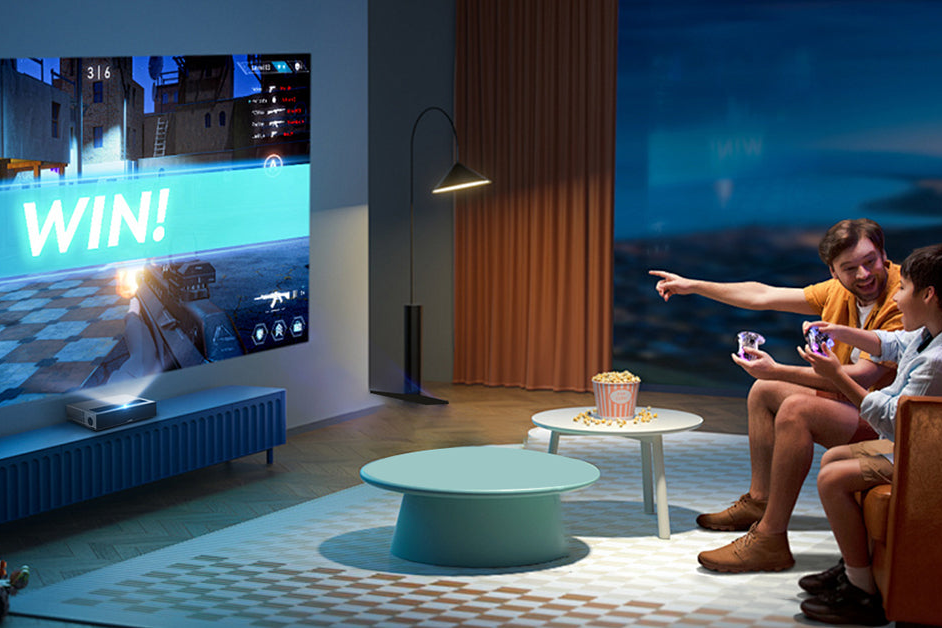
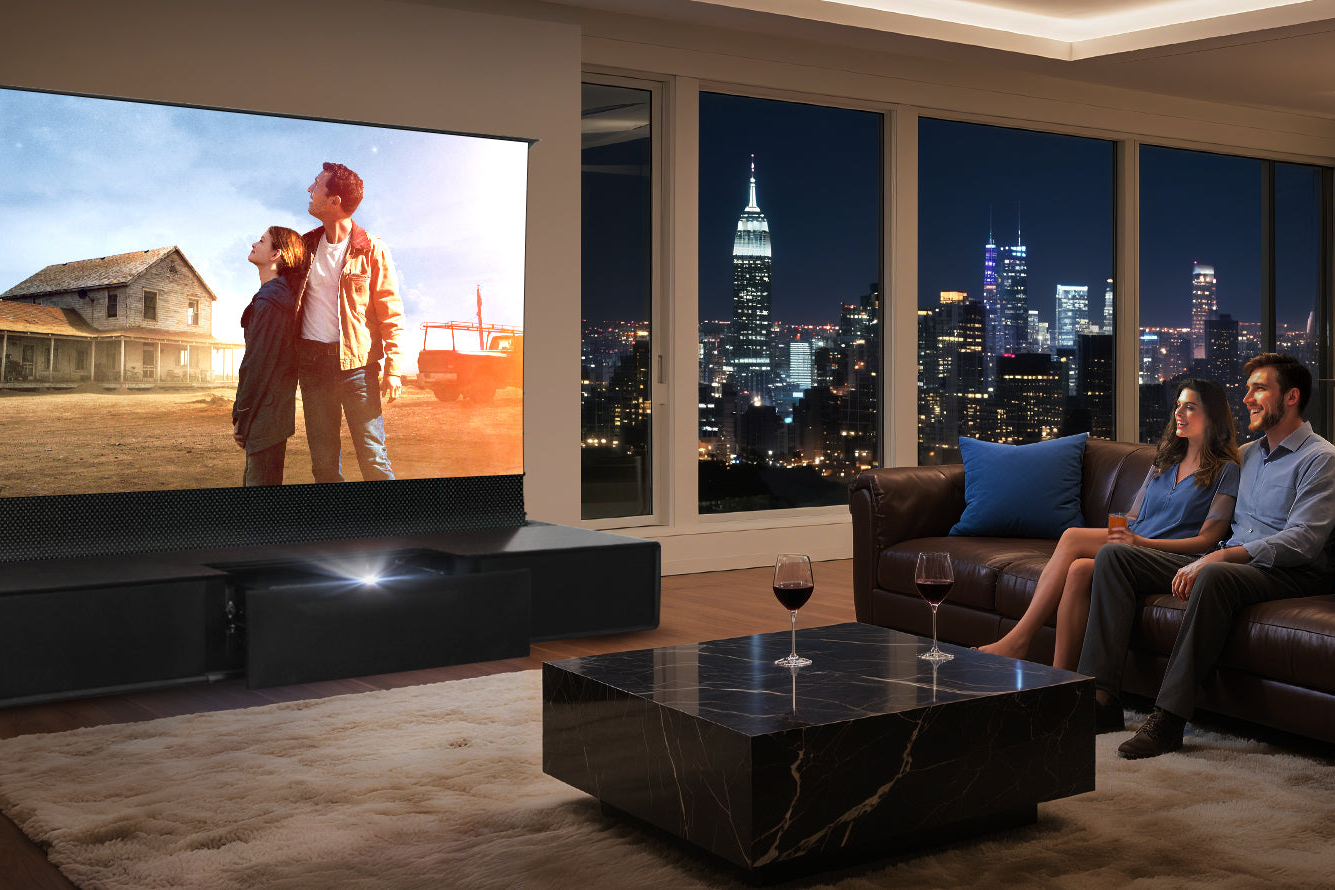
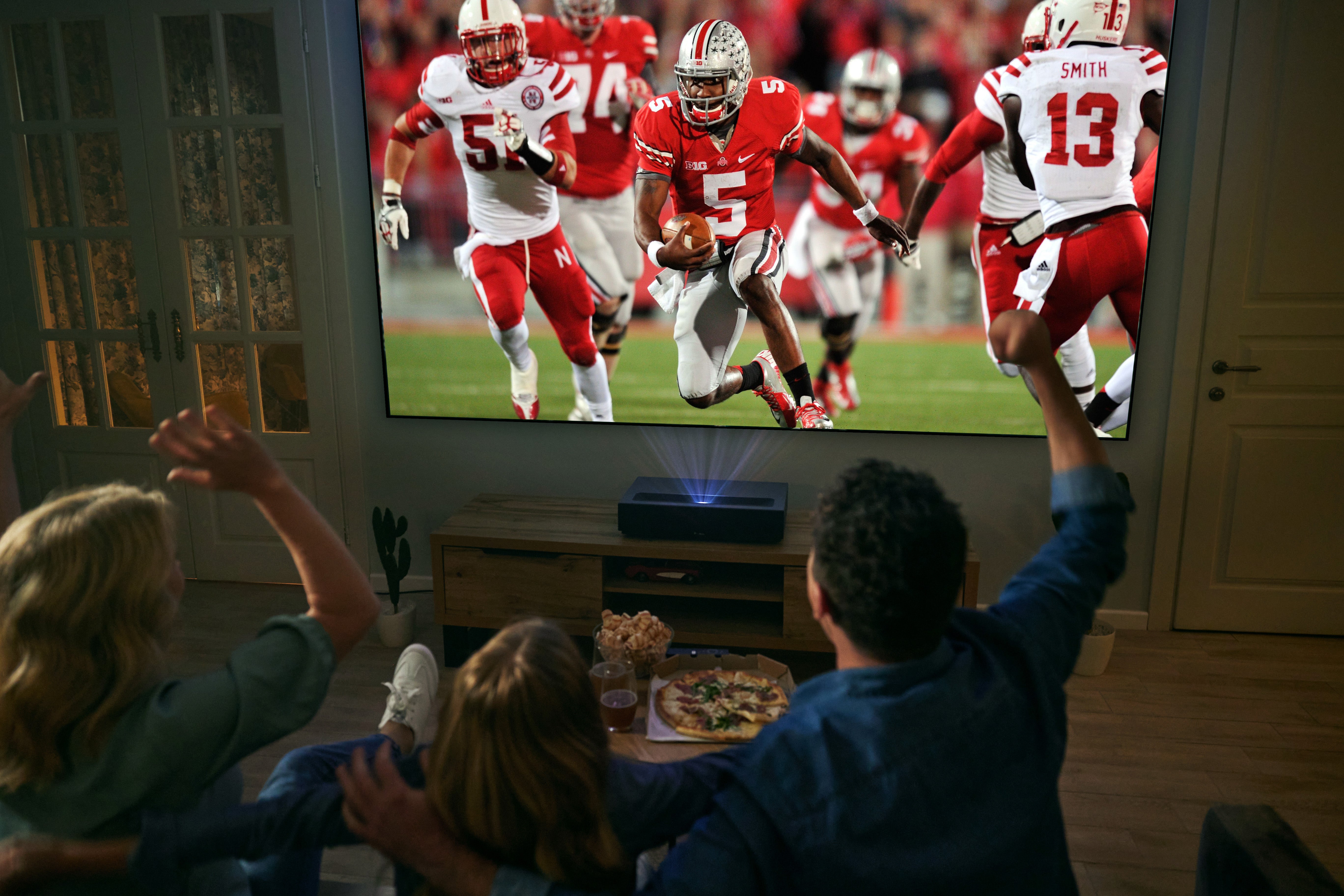
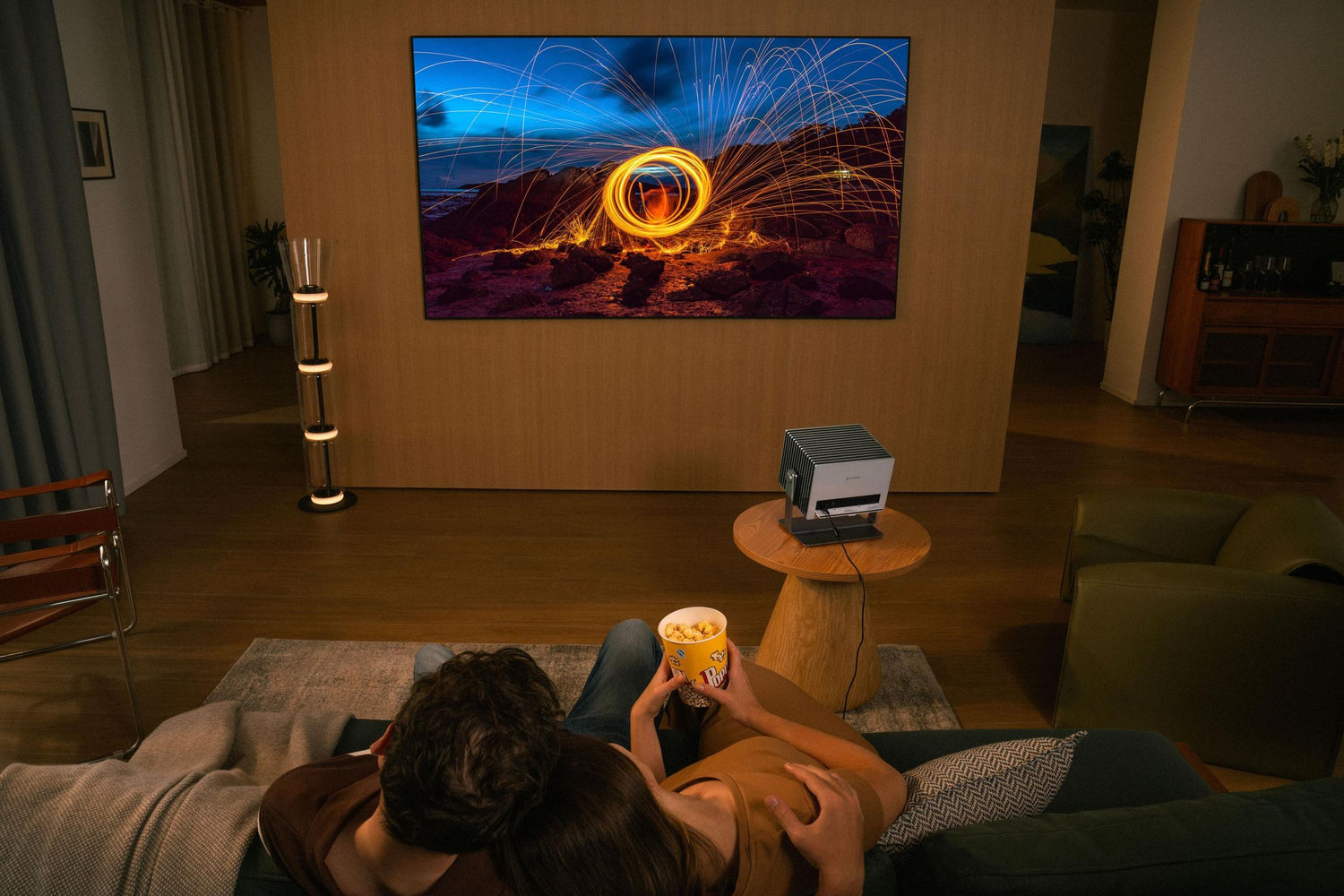
You’ve just unboxed a brand new standard throw projector. The living room lights are off, the pizza is here, and you’re ready for movie night. You point it at the nearest white wall and… the image looks surprisingly decent. But as soon as someone turns on a lamp or a stray beam of sunlight sneaks through the curtains, that crisp 4K image suddenly turns into a hazy, washed-out mess.
This raises a question that every projector owner faces at some point: Is projecting directly onto a wall the best way to use your standard throw projector, or is a dedicated screen—especially an Ambient Light Rejecting (ALR) screen—a worthwhile investment? In this guide, we’ll break down the wall-versus-screen debate, explore how ALR screens work, and help you decide whether upgrading to a quality ALR screen is right for your home theater setup.
1. The Case for the White Wall: Convenience and Versatility
Let’s be honest: projecting onto a white wall is incredibly convenient. Most standard throw and long throw projectors are designed to work just fine on a smooth, light-colored wall. For casual viewers, it’s a zero-cost way to enjoy a massive image without any additional investment.
And the flexibility doesn’t stop at living room walls. Part of what makes standard throw projectors so appealing is their versatility. Want to host a backyard movie night? A blank white wall on the side of your house or garage door works beautifully in a pinch. Planning a camping trip with friends? Hang a plain white bedsheet between two trees, and you’ve got yourself an instant outdoor cinema. Standard throw projectors also shine in everyday family settings—painting a wall in a kids’ playroom turns it into an instant canvas for cartoons and family game nights.
For classrooms, breakout sessions, or simple office presentations, a white wall is often more than adequate. But while white walls offer unbeatable ease and flexibility, they fall short when image quality really matters.

2. Why a Quality Projector Screen Outperforms Any Wall
To understand why a dedicated screen beats a wall, you first need to understand how projection works. Your projector emits light, and that light bounces off a surface before reaching your eyes. The surface you project onto determines how much of that light actually reaches you—and how good it looks when it does.
White walls are diffuse reflectors. They scatter light in all directions, which sounds fine until you realize that this same scattering applies to ambient light from windows, lamps, and even light-colored walls in your room. That ambient light washes out your projector’s contrast and makes blacks look gray.
Real-world tests confirm the gap: even with a high-output 6000-ANSI-lumen laser projector, white wall images are still 35% to 45% dimmer than what you’d get from an ambient light rejecting (ALR) screen. White walls also lack the precise optical properties that dedicated screens offer, leading to reduced brightness uniformity, color distortion from non-neutral wall paints, and visible texture artifacts that become especially noticeable with 4K resolution.
Enter the ALR Screen
An Ambient Light Rejecting (ALR) screen is a specialized projection surface that uses advanced optical technology to do what a wall cannot: distinguish between the useful light coming from your projector and the stray ambient light coming from windows, ceiling fixtures, or side walls.
Here’s the key physics: ALR screens are engineered with microscopic optical structures—such as lenticular ridges or specialized coatings—that reflect light coming from your projector’s specific angle directly toward the viewer, while absorbing or deflecting ambient light coming from other directions. For standard throw projectors, an ALR screen designed specifically for long throw applications rejects ambient light coming from both above and below the screen, delivering dramatically better contrast, deeper blacks, and more saturated colors—even with moderate ambient light present.


3. What an ALR Screen Delivers for Your Standard Throw Projector
When you pair a standard throw projector with a properly matched ALR screen, the improvements aren’t subtle:
- Deep, true blacks: Ambient light is absorbed rather than scattered, so dark scenes actually look dark instead of washed out in gray.
- Vibrant, saturated colors: With ambient interference removed, your projector’s full color gamut shines through without dilution.
- Daytime usability: You no longer need to turn your living room into a cave. Watch movies with blinds partially open or lamps on without sacrificing image quality.
- Preserved 4K detail: Unlike textured walls that create micro-shadows and soften fine detail, a flat, optically-engineered screen surface ensures every pixel lands exactly where it should.
Some high-performance ALR screens for long throw projectors achieve gain values between 1.25 and 2.4, compared to a standard white wall’s gain of roughly 0.7 to 0.9. That means your projector’s light is being reflected back to you with more than double the efficiency—an upgrade no software tweak or projector setting can replicate.

4. Who Should Buy an ALR Screen for Their Standard Throw Projector?
While any projector owner can benefit from a quality screen, ALR screens are particularly valuable for specific users and scenarios:
| Scenario | Why an ALR Screen Matters |
|---|---|
| Living room / multi-purpose space | You can’t control all the light. ALR lets you watch during the day without blackout curtains. |
| Apartment dwellers | Wall textures and colors are beyond your control. An ALR screen gives you a perfect surface anywhere. |
| Home theater enthusiasts | An ALR screen unlocks the true potential of a high-quality projector—black levels, contrast, and color accuracy all improve. |
| Gamers | Visibility in bright scenes matters. ALR screens keep images punchy even with room lights on. |
| Outdoor movie hosts | Ambient light from neighbors or streetlights won’t ruin your backyard cinema experience. |
| Home office/conference room | Presentations stay crisp and readable without needing to dim every light. |
If you’ve ever found yourself squinting at a washed-out daytime image or wondering why your expensive projector doesn’t look as good as it did in the store demo, you are exactly the person who needs an ALR screen.
5. How to Choose the Right ALR Screen for Your Standard Throw Projector
Choosing the right screen comes down to three factors: installation type, room size, and optical performance.
Installation Type
- Fixed-frame screens: Provide the flattest surface. Ideal for dedicated home theaters.
- Motorized pull-down screens: Retract into a casing when not in use. Perfect for living rooms.
- Floor-rising motorized screens: Deploy from the floor. Great for spaces where wall mounting isn’t possible.
Room Size and Image Size
For a standard throw projector, a common guideline is that your viewing distance should be roughly 1.5 to 2.5 times the screen height. Popular sizes range from 100 inches to 120 inches diagonal.
ALR Compatibility: Make Sure It’s for Long Throw
This is critical: ALR screens are not one-size-fits-all. An ALR screen designed for an ultra-short throw (UST) projector will mistake your standard throw projector’s light for ambient light, resulting in a completely washed-out image. Always look for screens explicitly labeled for standard throw or long throw projectors.
6. The Premium Choice: NothingProjector Long Throw ALR Screen
If you’re looking for a high-performance ALR screen that delivers exceptional image quality, the NothingProjector Long Throw ALR Screen deserves your attention. Available in 100-inch and 120-inch sizes, this screen is engineered specifically for long throw and standard throw projectors.
- Exceptional Ambient Light Rejection: the NothingProjector Long Throw ALR Screen achieves an impressive 95% ambient light rejection rate, blocking light from windows and ceiling fixtures to preserve contrast even in bright rooms.
- Ultra-Wide 170-Degree Viewing Angle: unlike some screens that restrict off-axis viewing, this screen offers a 170-degree viewing angle, ensuring consistent quality no matter where you sit.
- Premium Lenticular Optical Technology: the screen features a lenticular optical surface with specialized ST Carbon Black coating. This precisely directs your projector’s light toward the viewing area while absorbing ambient light from other angles, delivering deeper blacks and more saturated colors.
- Future-Proof 4K/8K Support: with full support for 4K and 8K resolution, as well as 3D and HDR content, the NothingProjector screen is ready for any future projector upgrades.


Final Verdict: Is a White Wall Enough?
A white wall is perfectly fine for casual viewing or temporary setups. But if you’ve invested in a quality standard throw projector and want to experience its full capabilities—rich blacks, accurate colors, and punchy brightness—a dedicated ALR screen transforms the experience entirely.
For those ready to take their home cinema to the next level, the NothingProjector Long Throw ALR Screen represents the gold standard in its class.
Ready to upgrade your viewing experience? Explore the NothingProjector Long Throw ALR Screen and see the difference premium optical engineering makes.